CHROME TEXT GUIDE
How to make a polished chrome text effect
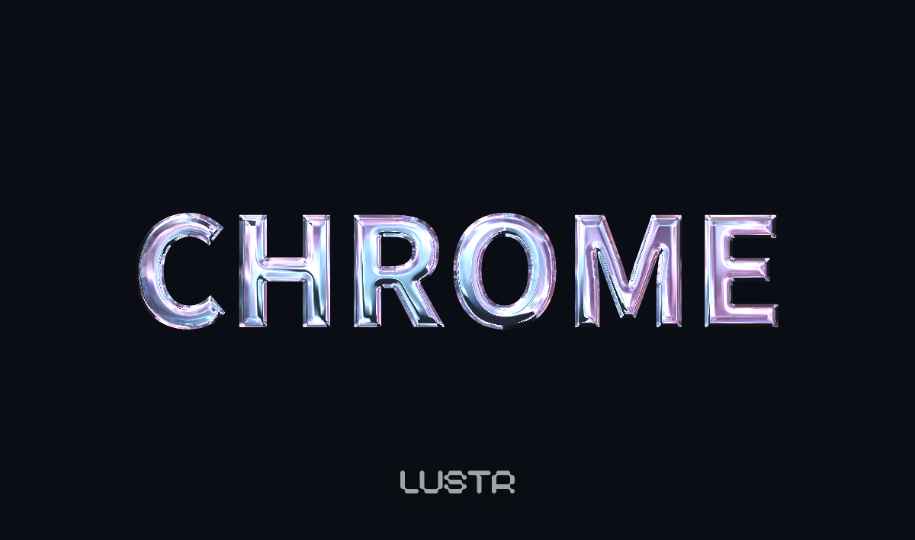
Create polished chrome lettering with reflections that follow the curves of each character. LUSTR renders the effect live in your browser, so you can tune the bevel, lighting and environment before exporting a transparent PNG.
Where this effect works well
- Logo and wordmark concepts
- Album artwork and event flyers
- Gaming titles and stream graphics
- YouTube thumbnails and social posts
Practical settings
Start with a heavy typeface
A bold sans serif gives the bevel enough space to show a clear dark-to-light reflection.
Keep the highlight narrow
A tighter highlight creates a polished mirror finish; a wider highlight feels softer and more plastic.
Test on a dark background
Chrome edges are easier to judge against charcoal, even when the final file will use transparency.
Frequently asked questions
- Can I make chrome text without Photoshop?
- Yes. LUSTR runs in a modern browser and does not require Photoshop, a plugin or an installation.
- Can I save the chrome text with no background?
- Yes. Choose a transparent export background and download the result as a PNG.
- What fonts work well for chrome text?
- Heavy sans serif and display fonts usually show reflections most clearly. Thin fonts can work, but leave less room for the bevel.