Chrome Lab
{{ exportPlanNote }}
{{ langCode }}
{{ statusText }}
{{ t.previewHint }}

{{ t.editorIntro }}

{{ t.billingUnavailable }} x.com/KEIdesu0001
{{ t.typographyDetails }}
{{ t.tracking }} {{ trackingDisplay }}
{{ t.freeHintPre }}{{ t.freeHintCorners }}{{ t.freeHintPost }} {{ t.reset }}
{{ t.kerning }} {{ t.kerningSub }} {{ t.reset }} 🔒 PRO
{{ kc.ch }}
{{ kc.display }}
{{ imgName }}
SAVED · {{ t.saved }}
{{ t.layersDesc }}
{{ L.placeBadge }} {{ L.name }} {{ L.eyeChar }} ×
{{ t.tint }}
{{ tintAmtDisplay }}
{{ t.editing }} {{ activeLayerName }}
{{ t.bevelPlace }} {{ bevelPlaceHint }}
{{ t.extrude }} · {{ extrudeHint }} {{ extrudeDepthDisplay }}
{{ t.extAngle }} {{ extrudeAngleDisplay }}
{{ t.extRound }} {{ t.extRoundHint }} {{ extrudeRoundDisplay }}
{{ t.extBevel }} {{ t.extBevelHint }} {{ extrudeBevelDisplay }}
{{ t.extExposure }} {{ t.extExposureHint }} {{ extrudeExposureDisplay }}
{{ t.wallTint }}
{{ t.tintAmount }} {{ extrudeTintAmtDisplay }}
{{ s.label }} {{ s.display }}
SIZE
BG
{{ exportSummary }} · {{ exportPlanNote }}
{{ exportPlanNote }}
{{ hintText }}
{{ t.bannerText }}

ABOUT LUSTR

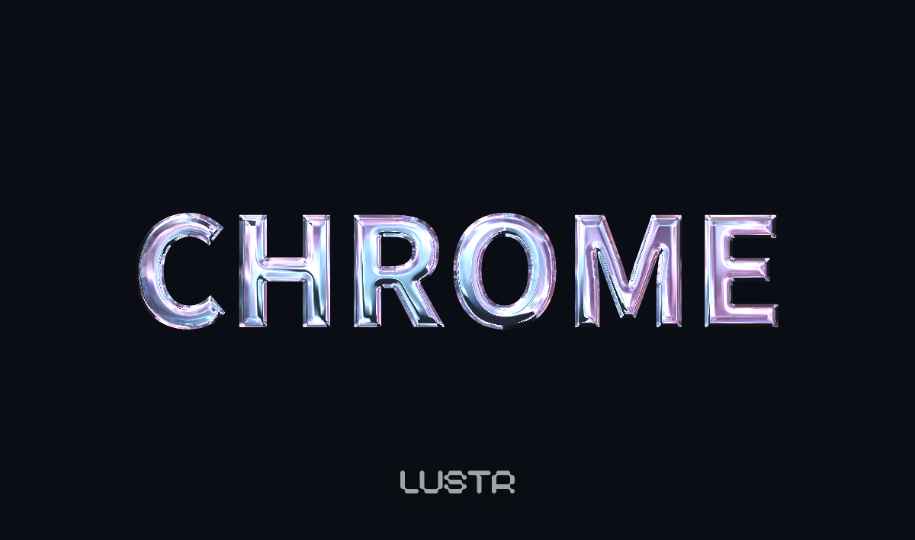
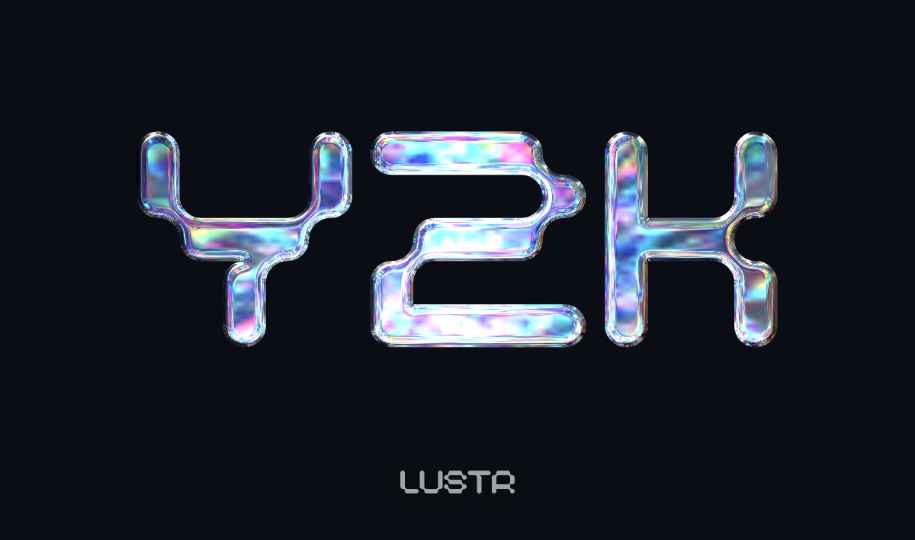
Free chrome text generator for Y2K, liquid metal and 3D lettering

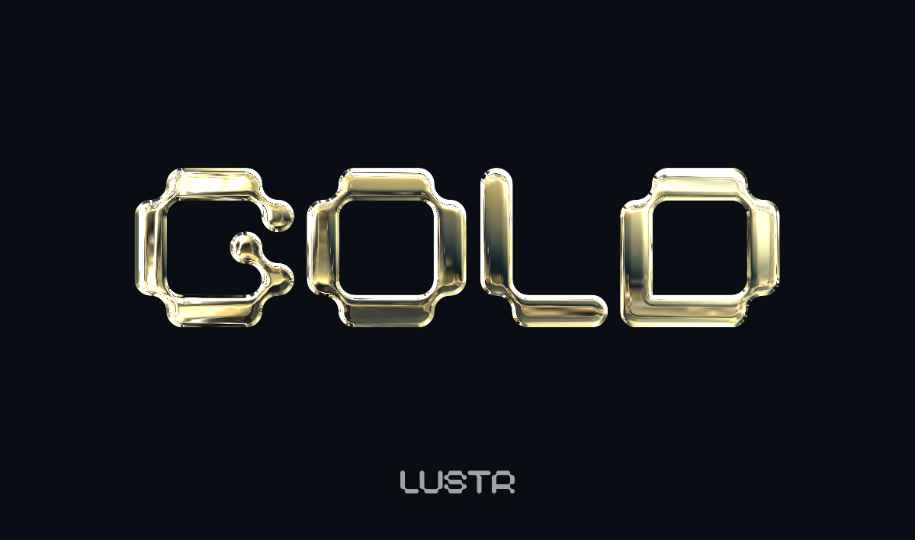
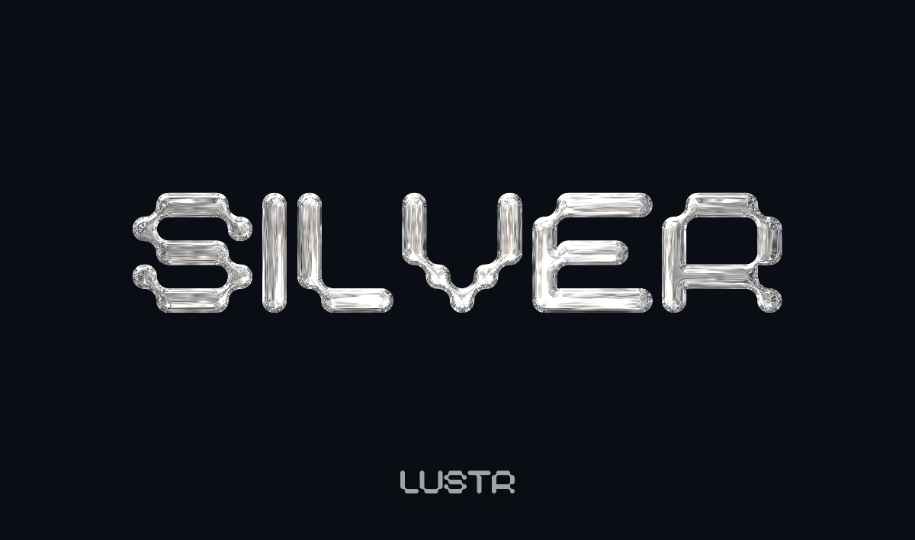
LUSTR turns text and logo images into polished chrome and metallic effects directly in your browser. Create liquid-metal Y2K lettering, holographic type, gold text and layered 3D titles without Photoshop, Illustrator or a plugin. Edit the live preview, then export a transparent PNG ready for logos, thumbnails, album covers and social graphics.

What you can make

  • Chrome, liquid-metal and holographic Y2K text effects
  • Gold, silver, rainbow and iridescent metallic lettering
  • Layered outlines and dimensional 3D-style titles
  • Perspective, tracking, bevel, lighting and reflection adjustments
  • Transparent PNG export at up to 3600 × 2250 with LUSTR Pro

For thick gold outlines and Japanese arcade-style lettering, use the free pachinko text generator.

Chrome and metallic text examples

Open an example to see practical settings and start the editor with a matching preset.

Browse all text effect examples →

Frequently asked questions

Is LUSTR free to use?
Yes. You can use every preset and material control and export a 1200 × 750 PNG for free. Pro unlocks higher resolution, watermark-free export, precise kerning and custom fonts.
Can I export a transparent PNG?
Yes. Set the background to Transparent, then export the result for use in logos, thumbnails, album art and other layouts.
Do I need Photoshop or an Eye Candy plugin?
No. The complete effect editor runs in your browser. Nothing needs to be installed.
How do I create Y2K chrome text?
Enter your text, choose a holographic reflection, then tune the bevel, highlights, exposure and liquid-flow controls.